
Automated Caregiver & Nanny Payroll Software
RoostPay is nanny payroll for Canadian families. As a household employer, you get CRA remittance amounts and source deductions worked out, provincial overtime tracked, and schedules and pay stubs in one place.
Swipe or scroll horizontally to see all categories.
Hiring a caregiver the legal way
-
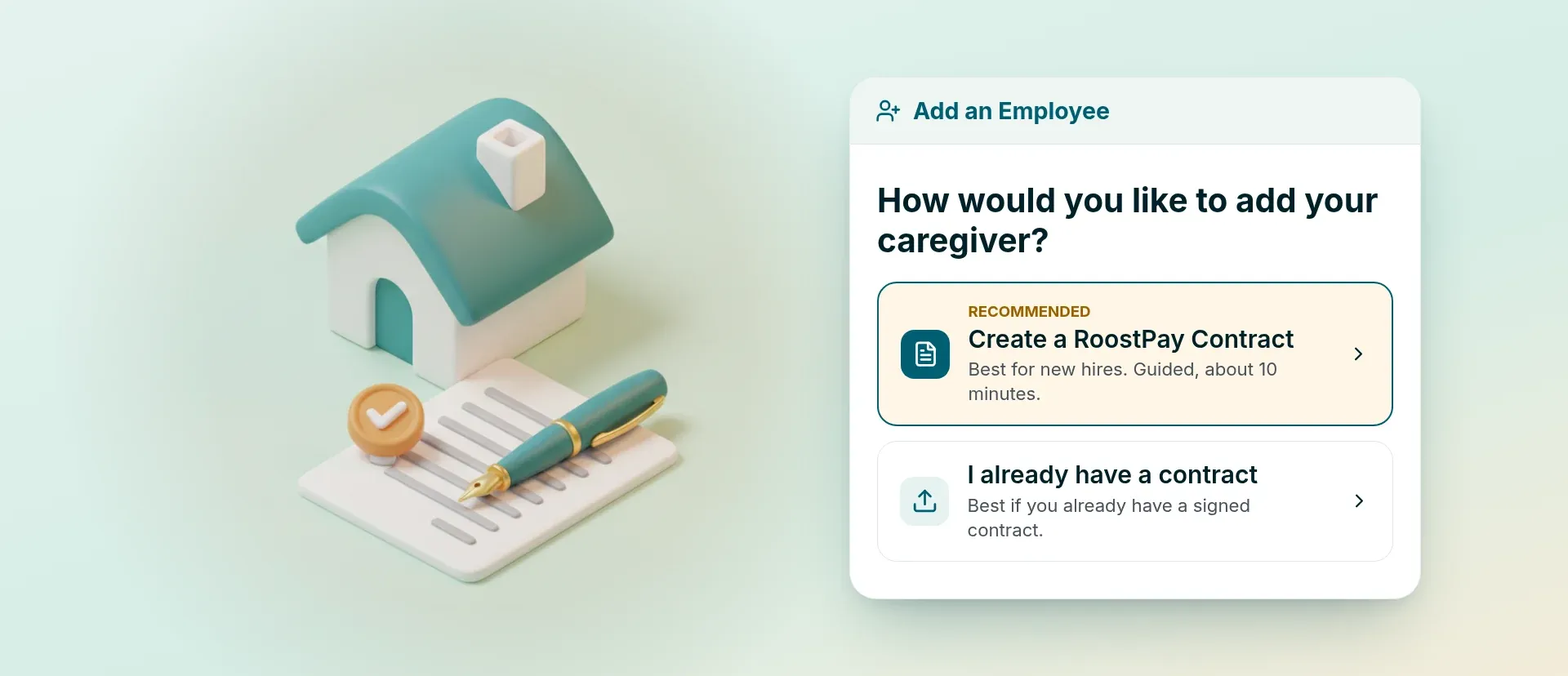
Employment contracts
A contract you and your nanny or au pair both sign before the first shift
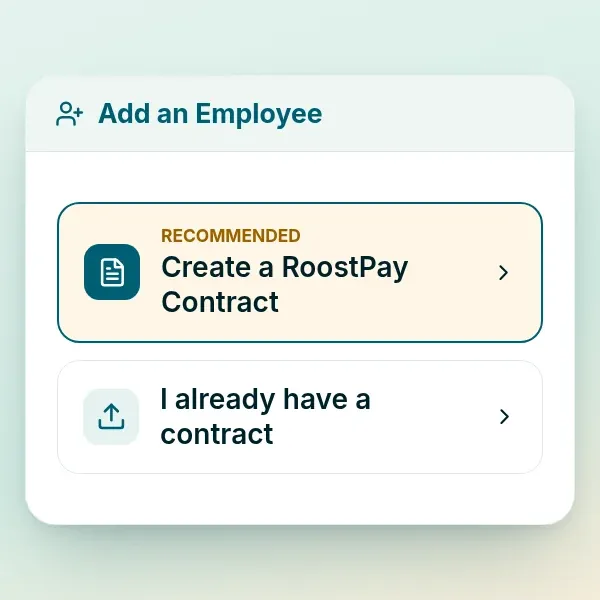
RoostPay prepares an employment agreement you can review before the first shift, with pay, duties, and the other details families usually write down. You and your caregiver can send, sign, and confirm it in the app on your phones.
Read our nanny contract guide -
TD1 tax forms
Fill out the TD1 form together with your nanny or au pair
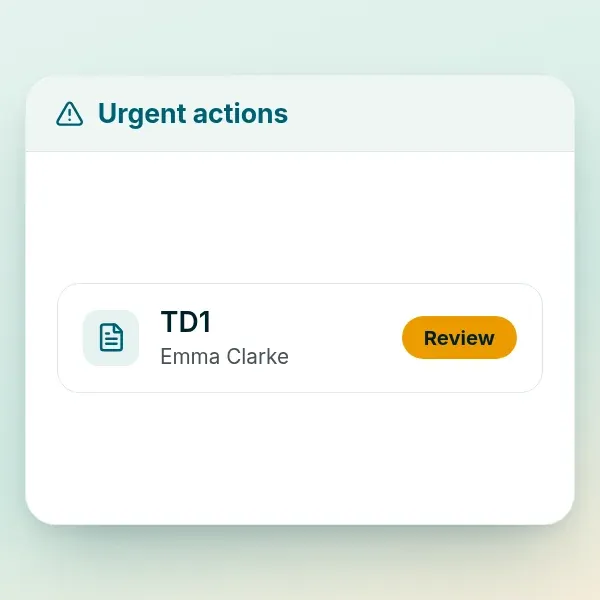
Your nanny or caregiver completes the federal and provincial TD1 forms in the app. RoostPay walks through the personal tax credit questions. They can sign it from a phone, and the signed form is stored in your document vault.
Hiring a nanny in Canada -
Private document vault
Keep your caregiver's contract and tax forms in one private place
RoostPay is PIPEDA compliant and keeps household employer contracts, tax forms, and pay stubs encrypted in a private vault.
Nanny & caregiver payroll and taxes
-
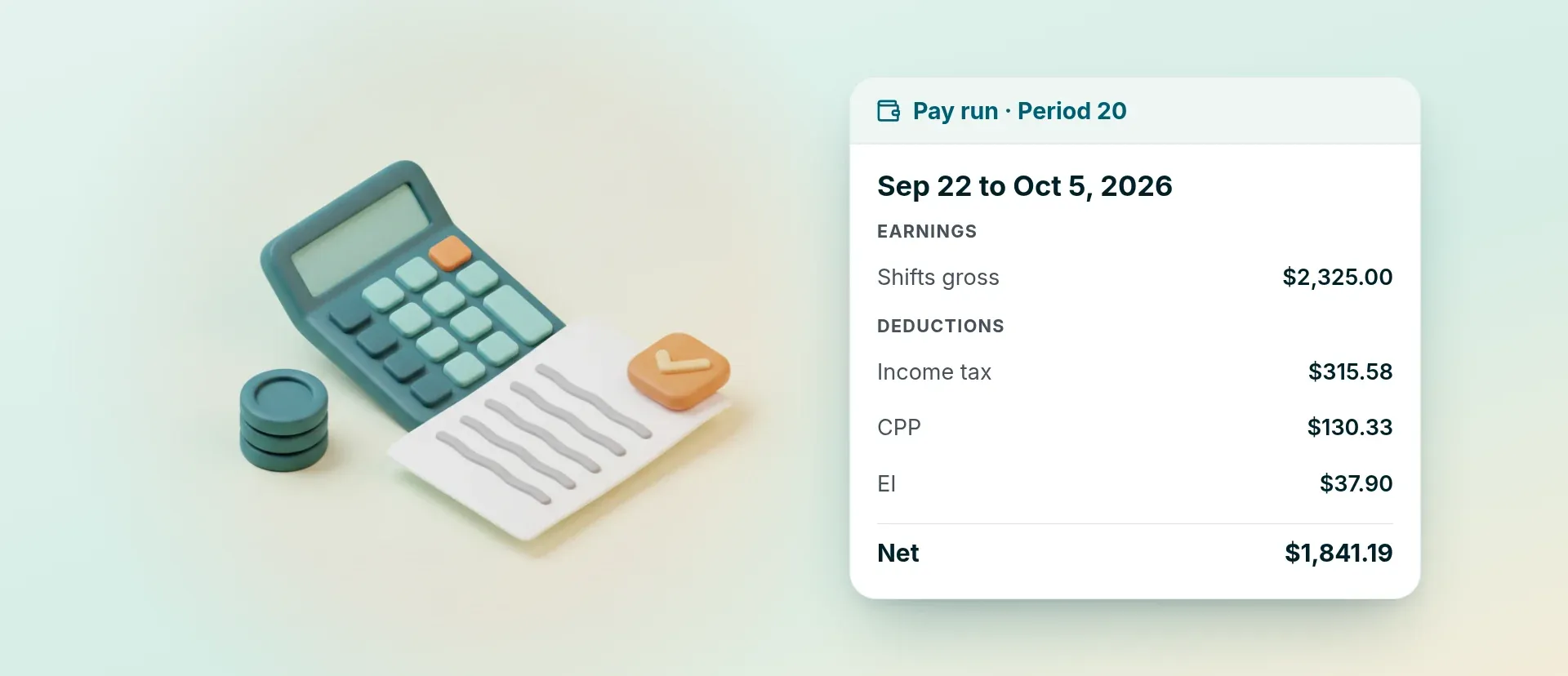
Exact net pay
Your caregiver's exact take-home pay, every payday
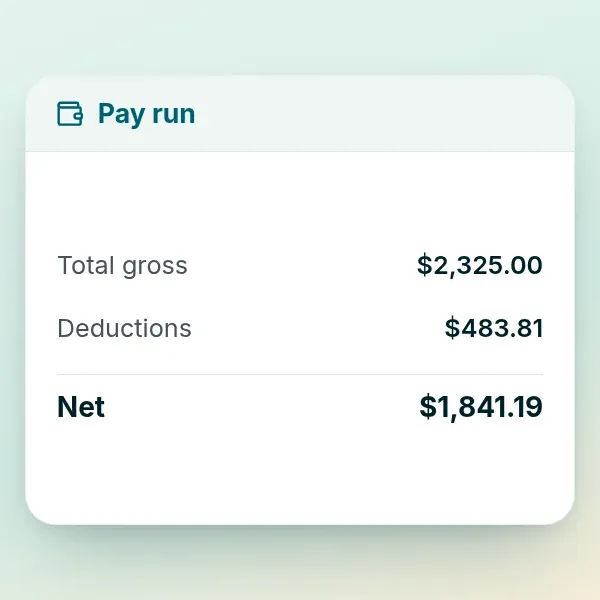
RoostPay calculates exact net pay after CPP, EI, and income tax. You send that amount from your own bank by e-Transfer or cheque.
Try the nanny tax calculator -
CRA remittances
Your CRA remittance amount, worked out each period
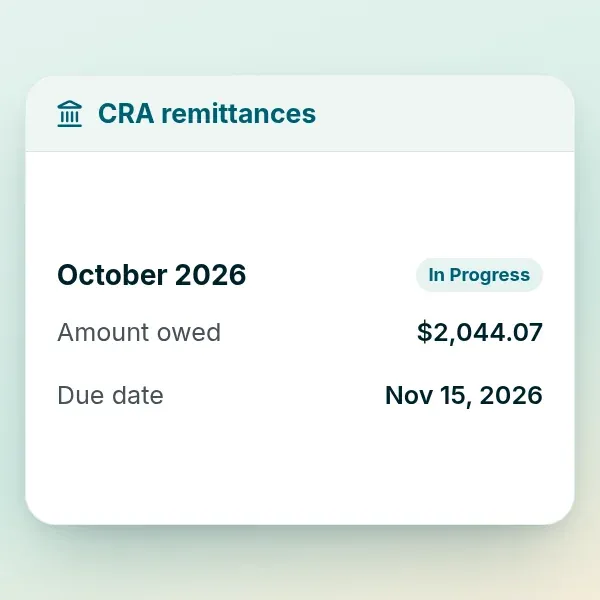
RoostPay calculates your source deductions (CPP, EI, and income tax) and shows your CRA remittance amount and due date. You send the payment from your own bank, and RoostPay keeps the dates and records together.
How nanny payroll works in Canada -
Pay stub delivery
Pay stubs for your nanny or au pair, sent on payday
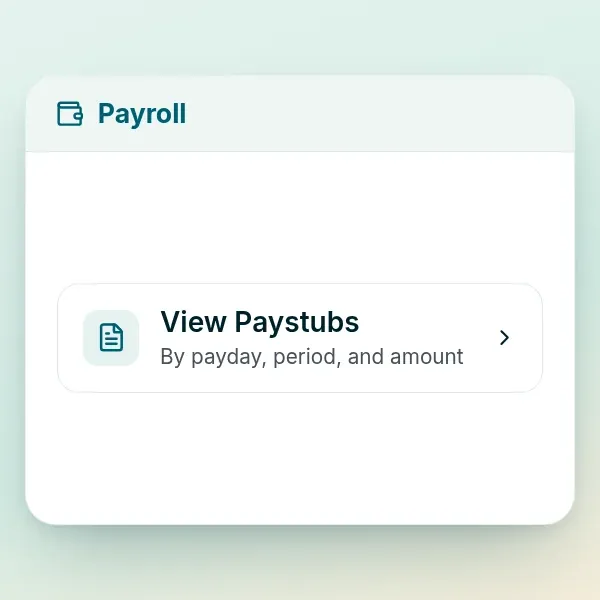
Automatic Every payday, RoostPay creates a pay stub and delivers it in the app to your nanny, au pair, senior caregiver, or other household employee. They can view it and download it.
-
Upload-ready ROE files
Record of Employment (ROE) file ready when your caregiver leaves
Upload-ready .BLK RoostPay prepares a Record of Employment (ROE) in .BLK format from your pay records. When the job ends, you upload that file to Service Canada so your former nanny or senior caregiver can apply for benefits with the boxes already filled in.
Record of Employment guide -
Year-end T4s
T4 slips for your caregiver, plus the T4 Summary
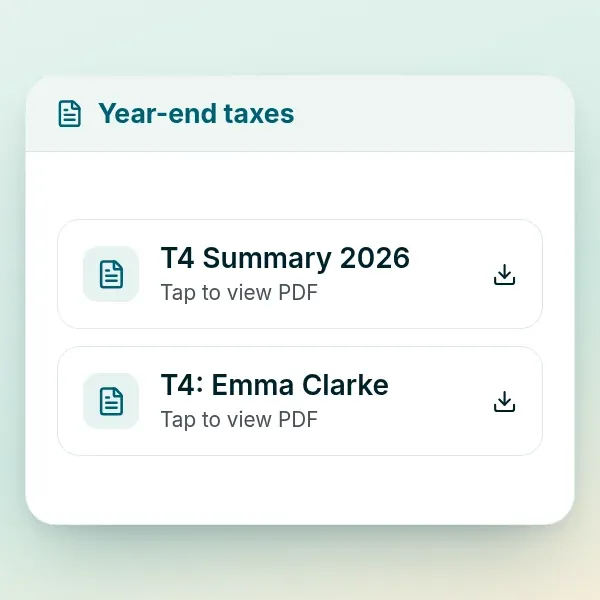
RoostPay prepares T4 slips and a T4 Summary from the year of pay, and delivers the slips to your employee. You file the T4s with the CRA.
How to file a nanny T4
Overtime, stat holidays, and schedules
-
Overtime, vacation, and sick days
Overtime and stat holiday pay rules for your province or territory
RoostPay works out overtime, vacation pay, and sick days for your province or territory. That covers Ontario overtime for a housekeeper, vacation pay for a live-in caregiver in BC, and sick days in Alberta.
-
Repeating schedules
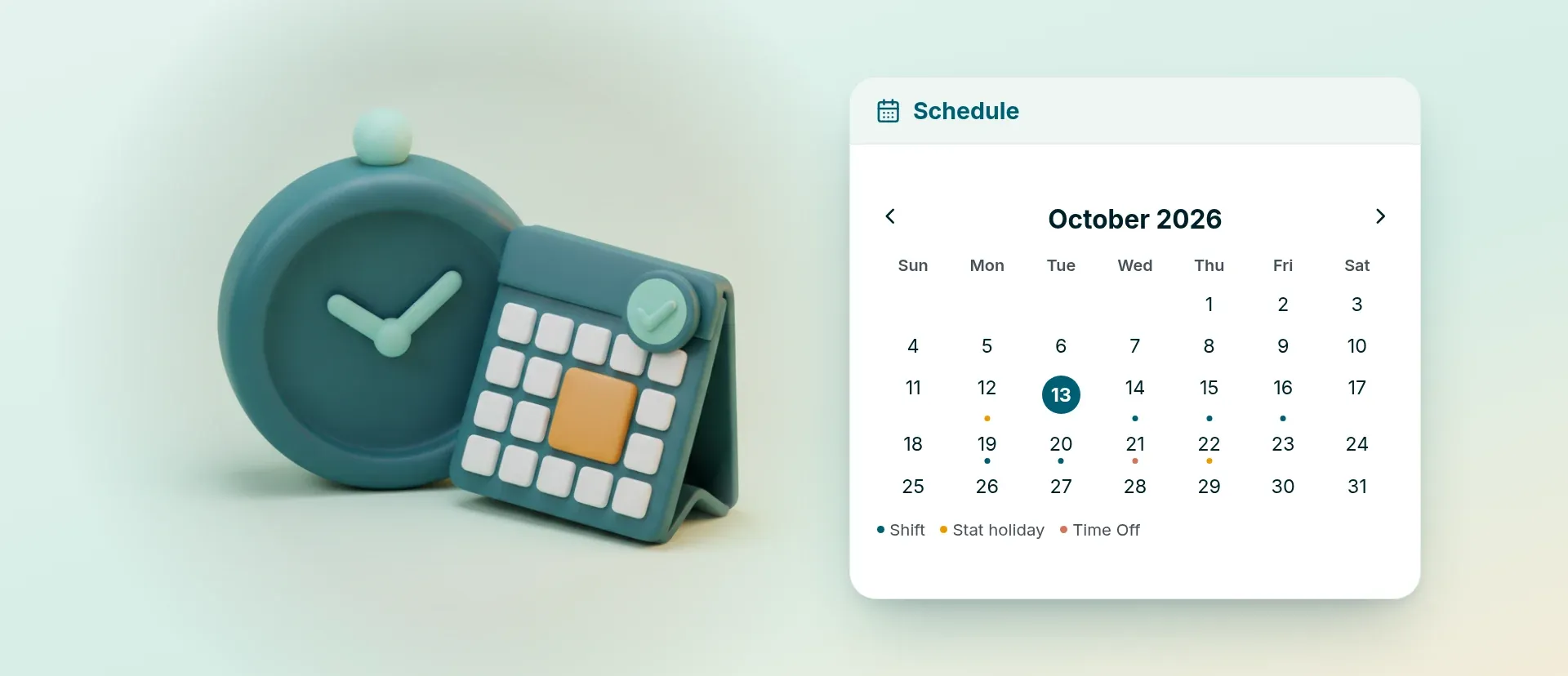
One schedule for rotating shifts and repeating weeks
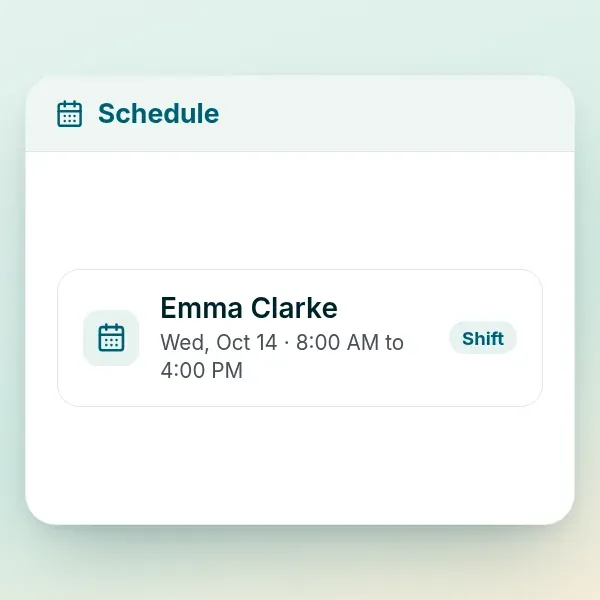
Set the shift pattern once, including weeks that rotate. Your caregiver gets a notification in the app when you add or change a shift.
Nanny schedule template -
Hours, time off, and expenses
Approve your caregiver's hours, time off, and expenses in one place
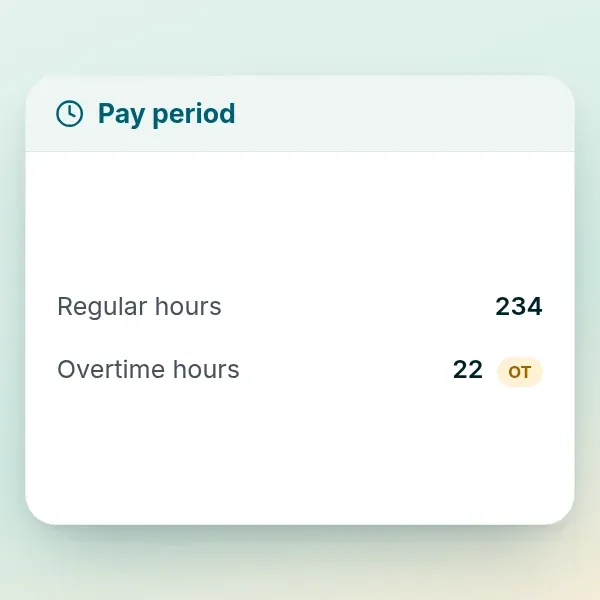
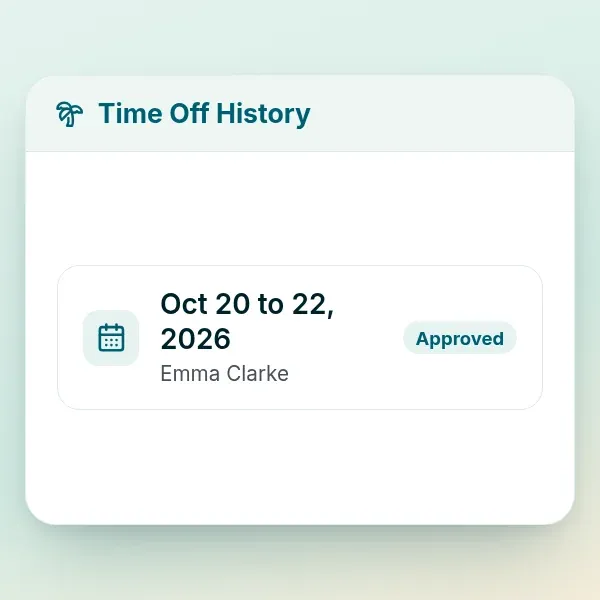
Your nanny logs hours and time off in the app, and you get a notification to approve them. If they take your child on an outing and pay for something, they can add the expense with a photo of the receipt so you can reimburse them on the next pay.
Nanny timesheet guide
Childcare tax credits and pay history
-
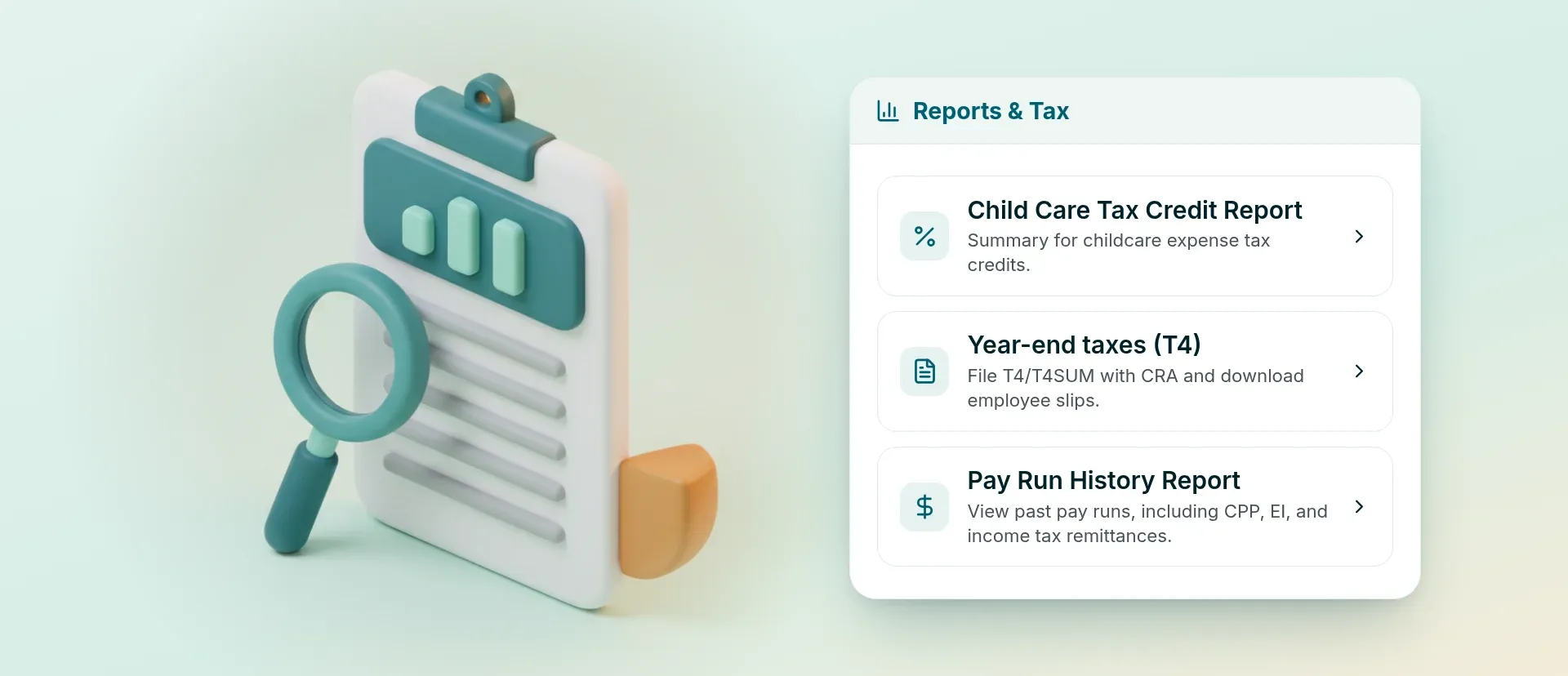
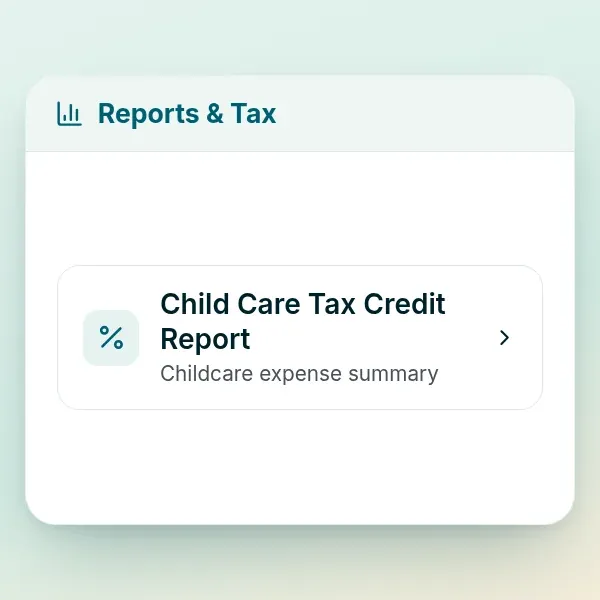
T778 Child Care Expense Deduction Report
Childcare expense totals for your T778 tax deduction
RoostPay totals the childcare amounts that go on the T778 Child Care Expenses form. You can also export pay summaries when you are gathering senior care costs for a medical expense claim.
T778 child care deduction guide -
Receipt photos for expenses
Snap a receipt and pay your caregiver back on the next payday
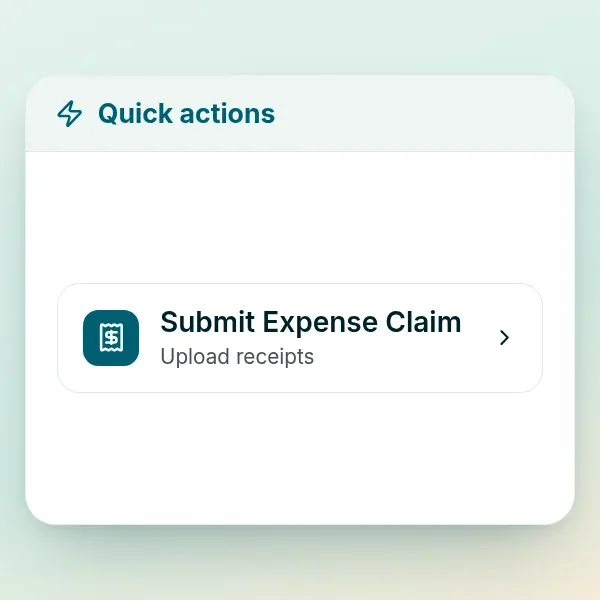
Your nanny or caregiver photographs a grocery or supply receipt in the app. RoostPay reads the receipt and adds it to the next pay for you to approve.
-
Hours and pay history
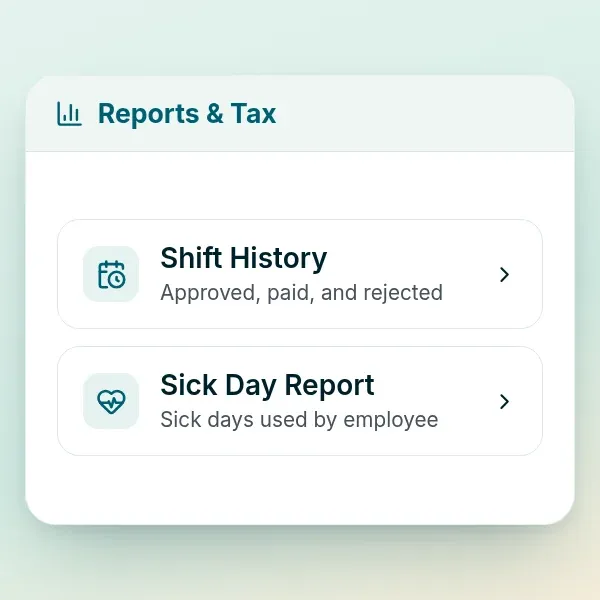
Look up past hours, sick days, and pay stubs anytime
Open reports for shifts worked, sick days taken, and past pay stubs whenever you need them. Useful when you are checking the household budget or pulling a year of pay together.
Ready to keep household payroll in one place?
Start your free 30-day trial and see pay, CRA remittances, T4s, and schedules for your family. No charges for 30 days, and you can cancel anytime.