
Use the Sick Days screen to check your sick leave balance and log a sick day.
- Open Requests from the navigation bar, then tap Sick Days.
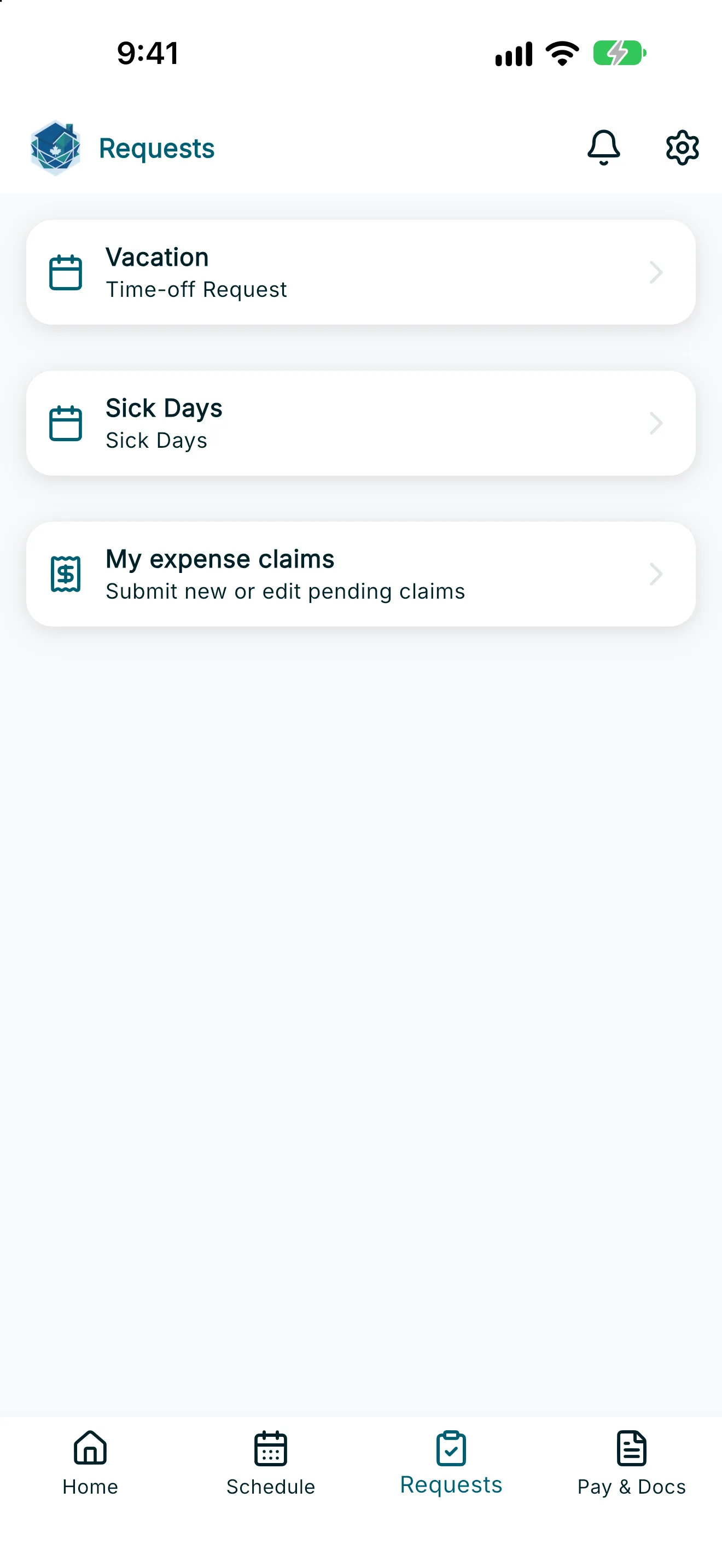
- Under Sick Leave This Year, review your Eligibility Date and:
- Paid Sick Days Remaining for [year] — only shown if you’re entitled to any paid sick days under your province’s rules.
- Unpaid days — shown as Unpaid days remaining ([year]) if your province mandates unpaid sick days, or Unpaid Days Taken if it doesn’t mandate any (mandate of 0).
- Tap Sick Day to start a new request.
- Under Select scheduled shift, choose the shift you’re marking as a sick day.
Note: If no scheduled shifts are available to log as sick days, you'll see a message letting you know, and you won't be able to submit a request for that date.
- Optionally, add a reason.
- Tap Submit Sick Day.
Once submitted, you’ll see a confirmation that your sick day request has been submitted, and it will appear under your sick day history. You can’t submit more than one sick day request for the same date.