
Use the Vacation screen to check your vacation balance and request time off.
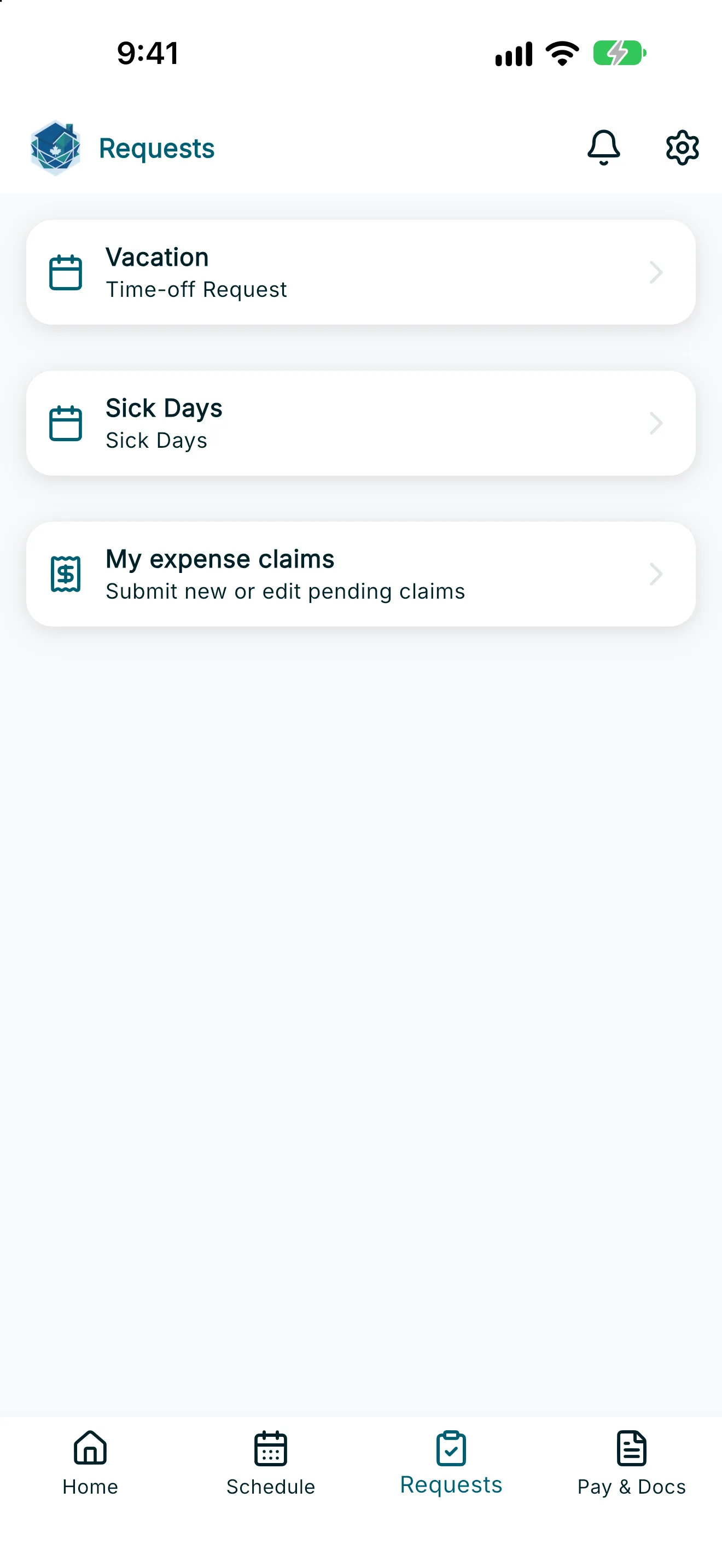
- Open Requests from the navigation bar, then tap Vacation.
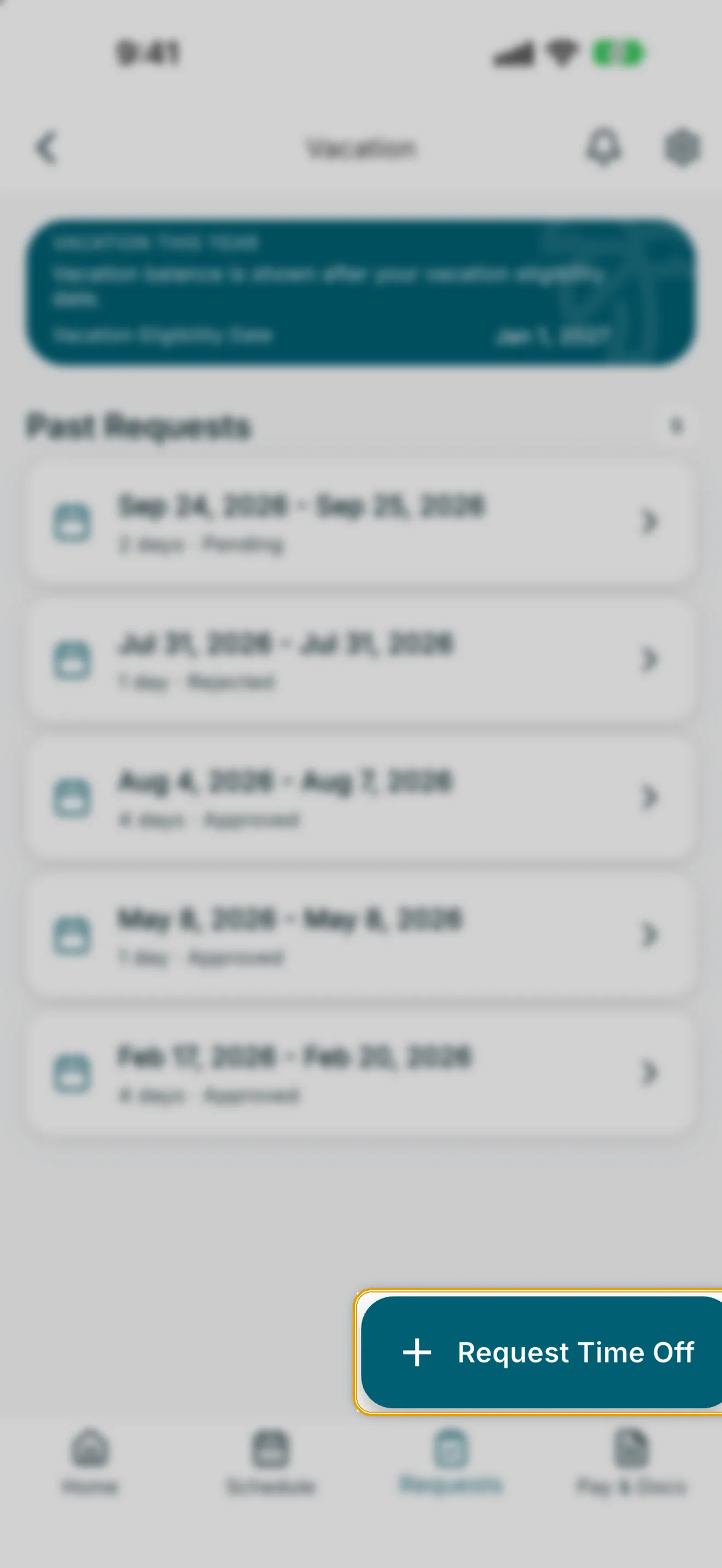
- Under Vacation This Year, review your balance — for example, “2 of 3 weeks remaining” — along with your Vacation Eligibility Date and Vacation Pay Bucket.
- Tap Request Time Off.
- In the Time-Off Request sheet, choose Paid or Unpaid.
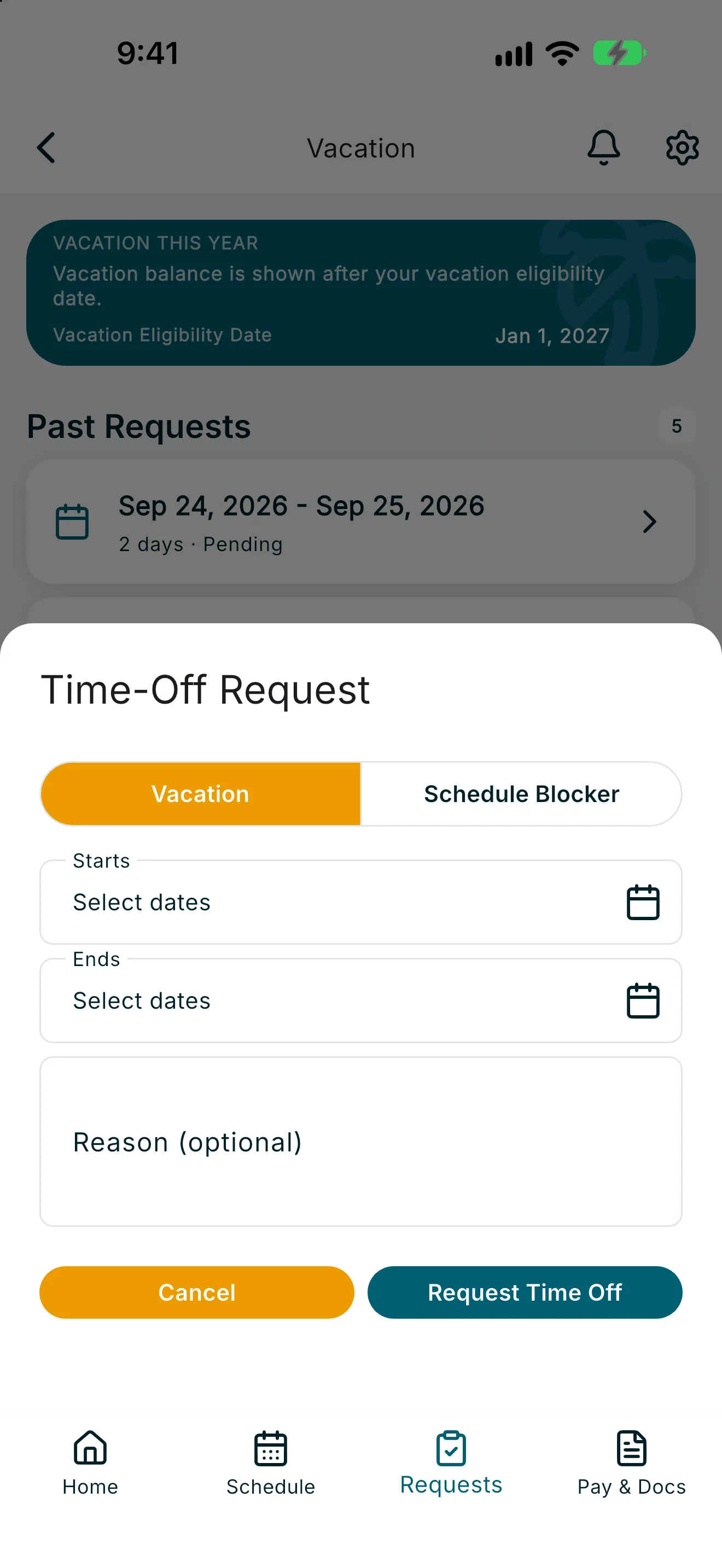
- Set Starts and Ends using Select start time and Select end time, or toggle All Day Event if you’ll be away the entire day.
- Enter a reason. Depending on the type of leave, this may be required or optional.
- Tap Request Time Off to submit.
Note: Vacation requests need your employer's approval. Check Past Requests to see whether a request is Pending or Approved.
If you need to cancel a request after submitting it, its status will show as Removed or Removal requested once your employer processes the cancellation.