
Mistakes happen — you might clock in a few minutes late, or forget to clock in altogether. Here’s how to fix both from the Home screen.
Note: All times you enter or see here use your employer's registered work time zone — not your device's local time.
Correcting a clock-in or clock-out time
- On the Home screen, find your active or recent shift.
- Tap Correct Clock-In Time (while still clocked in) or Correct Shift Times (on a completed shift in PAST SHIFTS).
- In the Correct clock times sheet, adjust the Clock in and/or Clock out time.
- Tap Save.
Note: Your employer will be notified so payroll can stay accurate. Clock out must always be after clock in.
Correction links only appear for a limited time after a shift, and only while the shift hasn’t already been approved or paid.
Adding a missing shift
If you forgot to clock in for a shift entirely, you can add it after the fact.
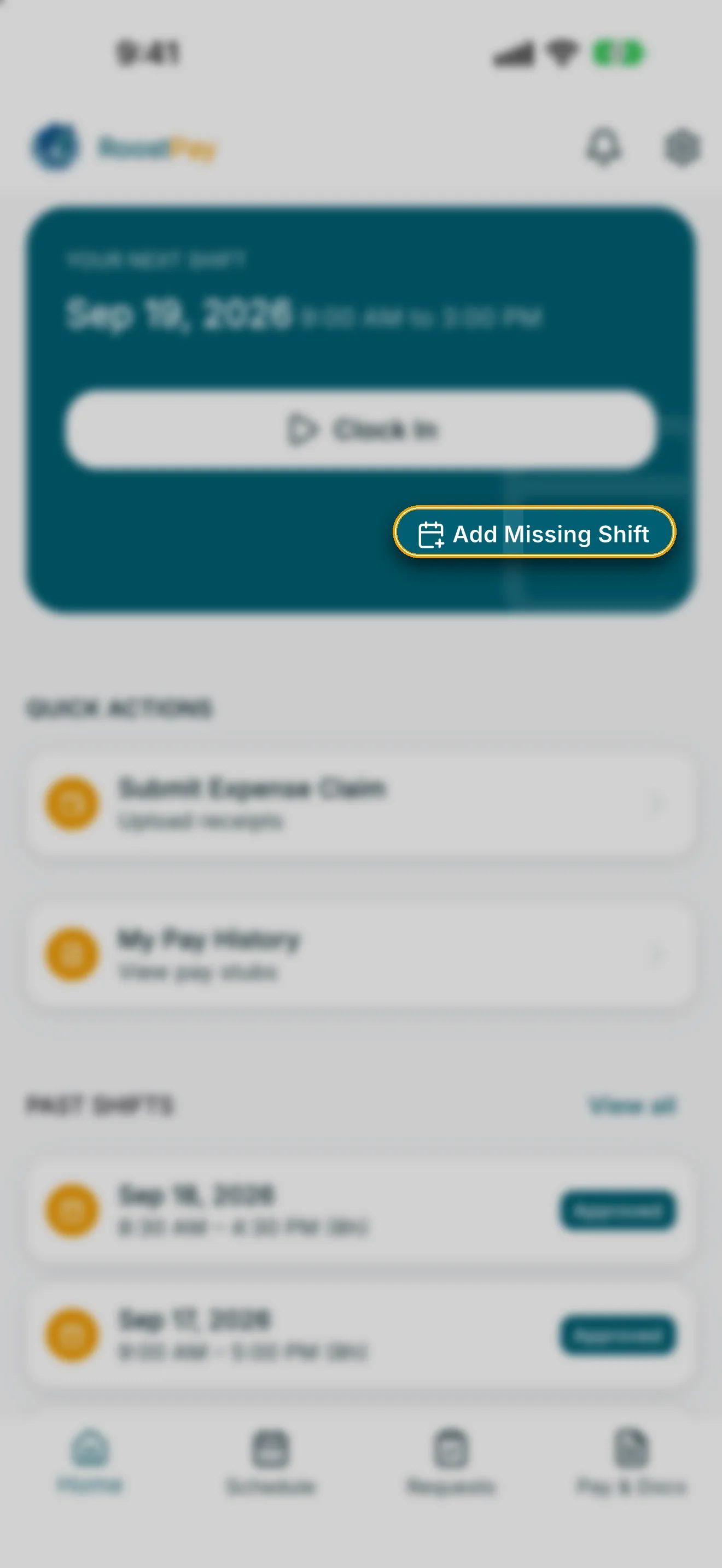
- On the Home screen, tap Add Missing Shift.
- Enter the start and end times you actually worked.
- Tap Submit shift.
Note: Your employer will review this shift for approval. End time must be after start time, and shift times can't be in the future.
Once submitted, you’ll see a confirmation that your missing shift has been submitted for approval, and it will appear in PAST SHIFTS with a Pending status until your employer reviews it.