
The Reports tab is the starting point for every report available to employers — shift, expense, time off, sick day, pay run, childcare tax credit, and year-end T4 tax reports.
1. Open Reports
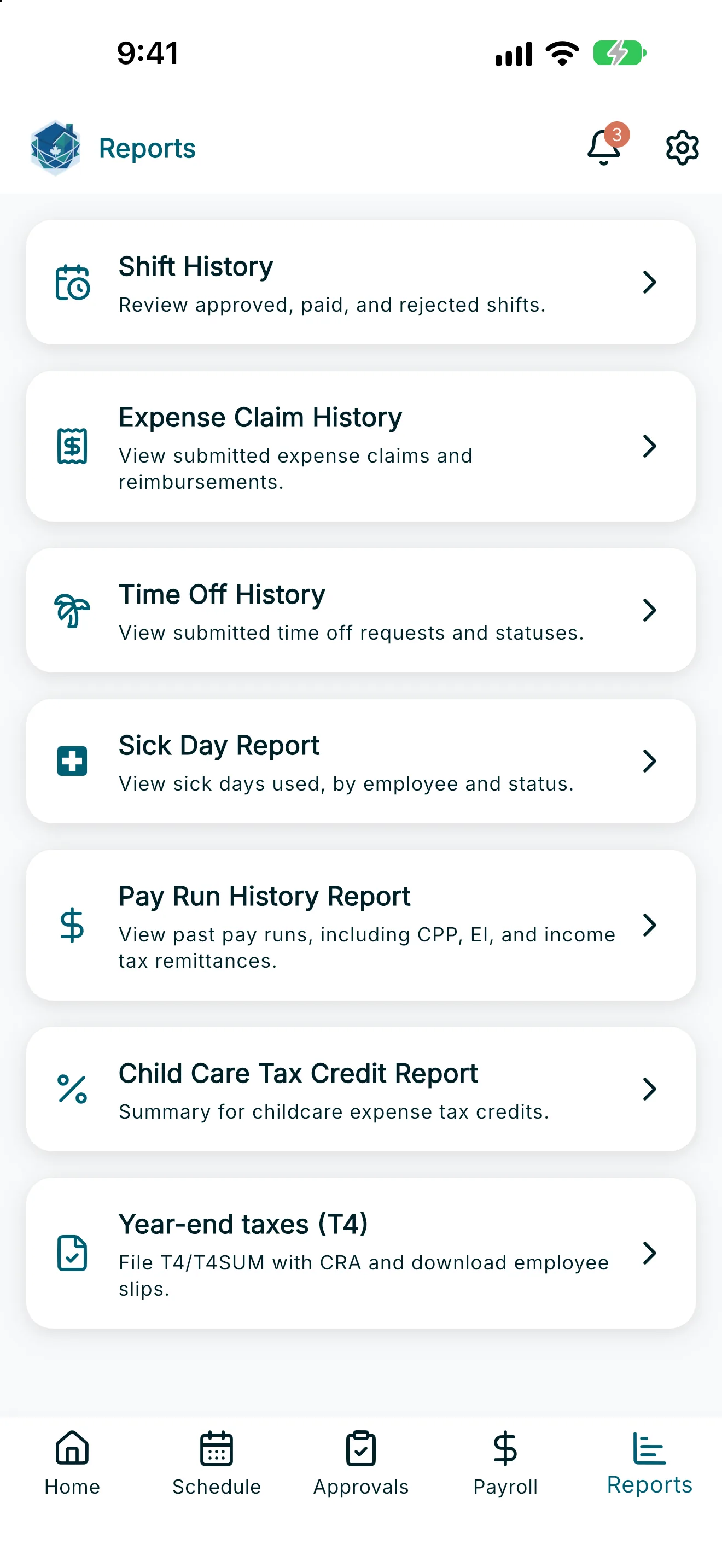
Tap Reports in the navigation to see the list of available reports.
2. Choose a report
Tap a card to open the report:
- Shift History — review approved, paid, and rejected shifts. See Shift History Report.
- Expense Claim History — view submitted expense claims and reimbursements. See Expense Claim History Report.
- Time Off History — view submitted time off requests and statuses. See Time Off and Sick Day History.
- Sick Day Report — view sick days used, by employee and status. See Time Off and Sick Day History.
- Pay Run History Report — view past pay runs, including CPP, EI, and income tax remittances. See Pay Run History Report.
- Child Care Tax Credit Report — a summary for childcare expense tax credits (T778). See T778 Child Care Expense Report.
- Year-end taxes (T4) — generate T4 and T4 Summary for you to submit to the CRA, and download employee slips. See Year-End Taxes (T4).
Note: Each report lets you filter by employee when you have more than one, and most reports can export a PDF.