
At year end, use Year-end taxes (T4) to generate your employees’ T4 slips and your T4 Summary (T4SUM), download the CRA filing package, and send each employee their T4.
1. Open Year-end taxes
Go to Reports, then tap the Year-end taxes (T4) card. Generate your T4 and T4 Summary here, download the filing package, and send employee slips. You submit the package to the CRA.
2. Choose the tax year
Use the Tax year dropdown to pick the calendar year you’re filing for (the current year and the two before it).
3. Generate T4 and T4SUM
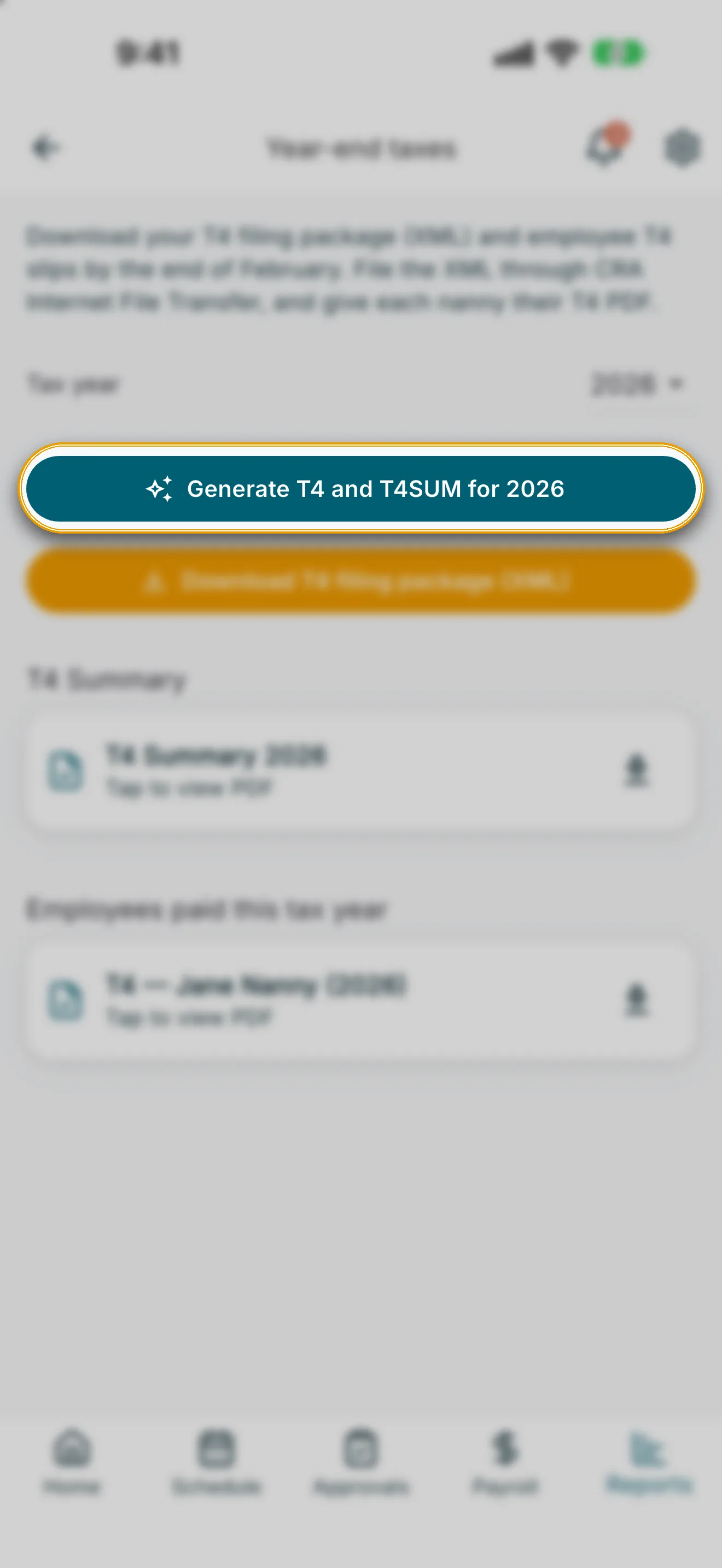
Tap Generate T4 and T4SUM for [year]. If anything is missing from an employee’s profile (for example, a SIN or address), RoostPay lists what needs to be updated before you can generate. Once generation succeeds, RoostPay confirms the T4 and T4SUM are ready to view or download.
Replacing existing files
If T4 and T4SUM files already exist for that tax year, RoostPay asks Replace existing tax PDFs? — generating again overwrites the copies on file, and only one set is kept per tax year. Tap Overwrite to confirm, or Cancel to keep the existing files.
4. Download the filing package and PDFs
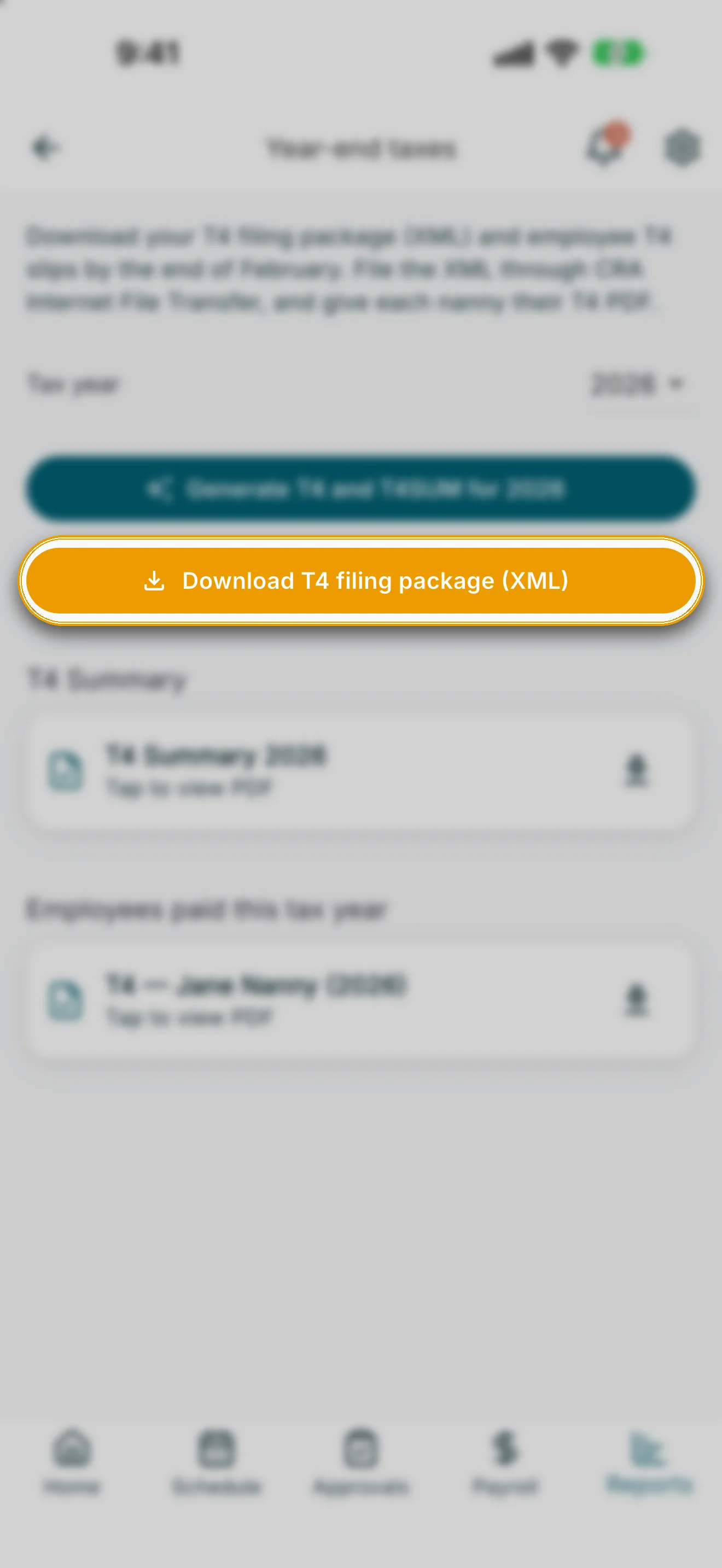
- Tap Download T4 filing package (XML) to save the CRA Internet File Transfer XML.
- Under T4 Summary, tap the download icon to save the T4SUM PDF, or tap the row to preview it first.
- Under Employees paid this tax year, tap the download icon on any employee to save their T4 PDF, or tap the row to preview it.
5. Send T4 slips to employees
After generating, RoostPay asks whether to send the new T4 slips to your employees now, or preview one first:
- Tap Send to employees to notify every employee with an unsent T4 for that year.
- Tap Preview first to open one employee’s T4 PDF, then choose Send to employees or Later from the follow-up dialog.
Each employee row shows whether their T4 was Sent to employee or is Not sent yet — tap Send above or open to preview.
Edge cases
- Generate T4 and T4SUM for this tax year first: shown if you try to download a PDF before generating.
- Unable to generate tax documents. Try again.: shown if generation fails for a reason other than missing profile fields.
- No finalized pay runs found for this tax year: shown if no employee has a completed pay run in the selected year.