
The Child Care Tax Credit Report builds an annual summary of childcare-eligible wages, CPP, and EI for a specific employee and tax year — the numbers you need for a T778 childcare expense deduction.
Before launch, you can estimate Line 21400 with the public T778 worksheet (Form T778 / child care expense deduction). That wizard maps nanny wages and employer CPP/EI to Parts A–D; this in-app report is the year-round source those totals should come from.
1. Open the report
From the Reports tab, tap Child Care Tax Credit Report. This opens the T778 Child Care Expenses screen.
2. Choose a tax year and employee
Use the Tax year dropdown to pick a year. If you employ more than one caregiver, use the employee dropdown to choose whose report to view — you must select an employee before the report can load.
3. Review the summary
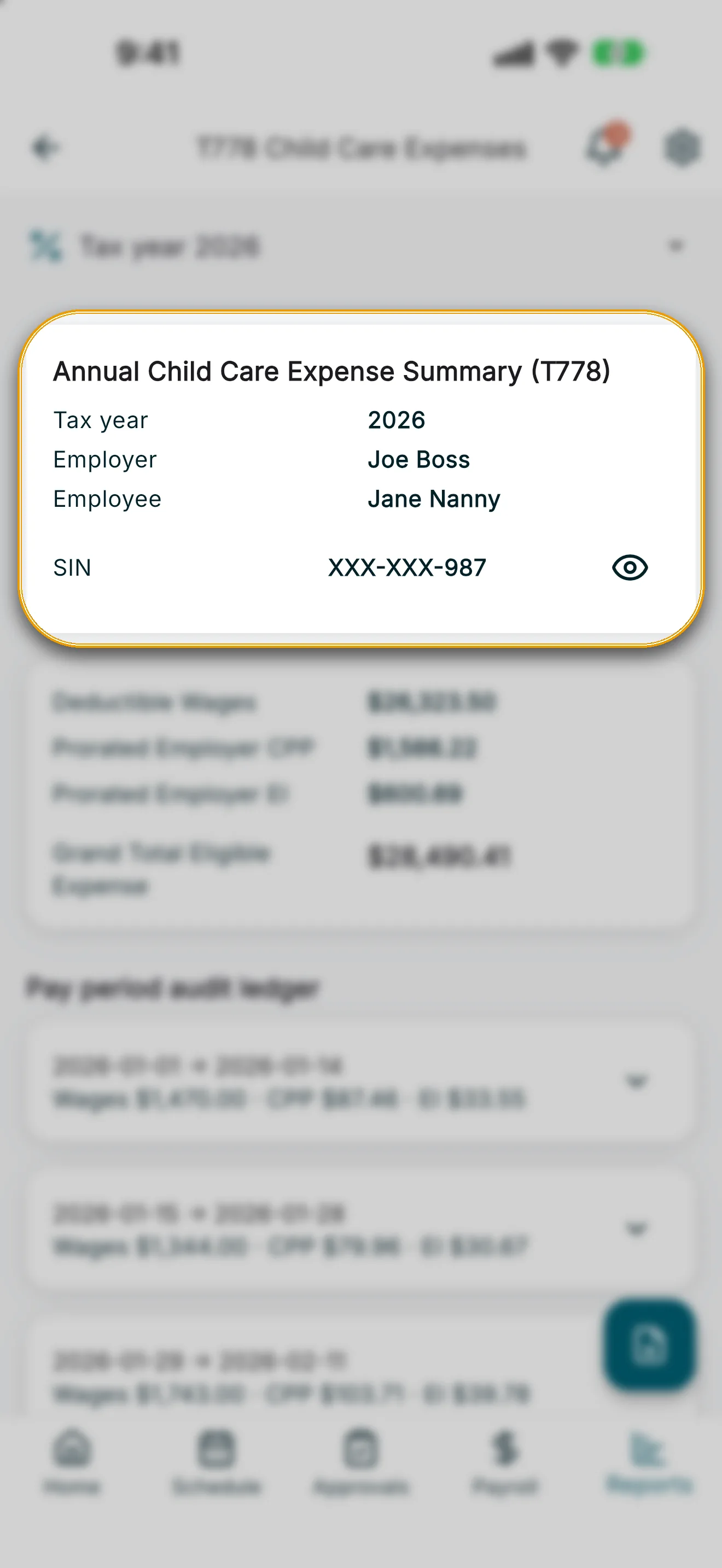
The Annual Child Care Expense Summary (T778) card shows the tax year, employer, employee, and the employee’s masked SIN. Tap the eye icon next to the SIN to reveal it — you’ll be asked to verify your identity first.
Below that, the totals card shows:
- Deductible Wages
- Prorated Employer CPP
- Prorated Employer EI
- Grand Total Eligible Expense
4. Review the pay period audit ledger
Under Pay period audit ledger, each pay period is listed with its deductible ratio and prorated amounts. Tap a period to expand it and see a shift-by-shift table with date, hours, whether the shift was deductible, and wages.
5. Export to PDF
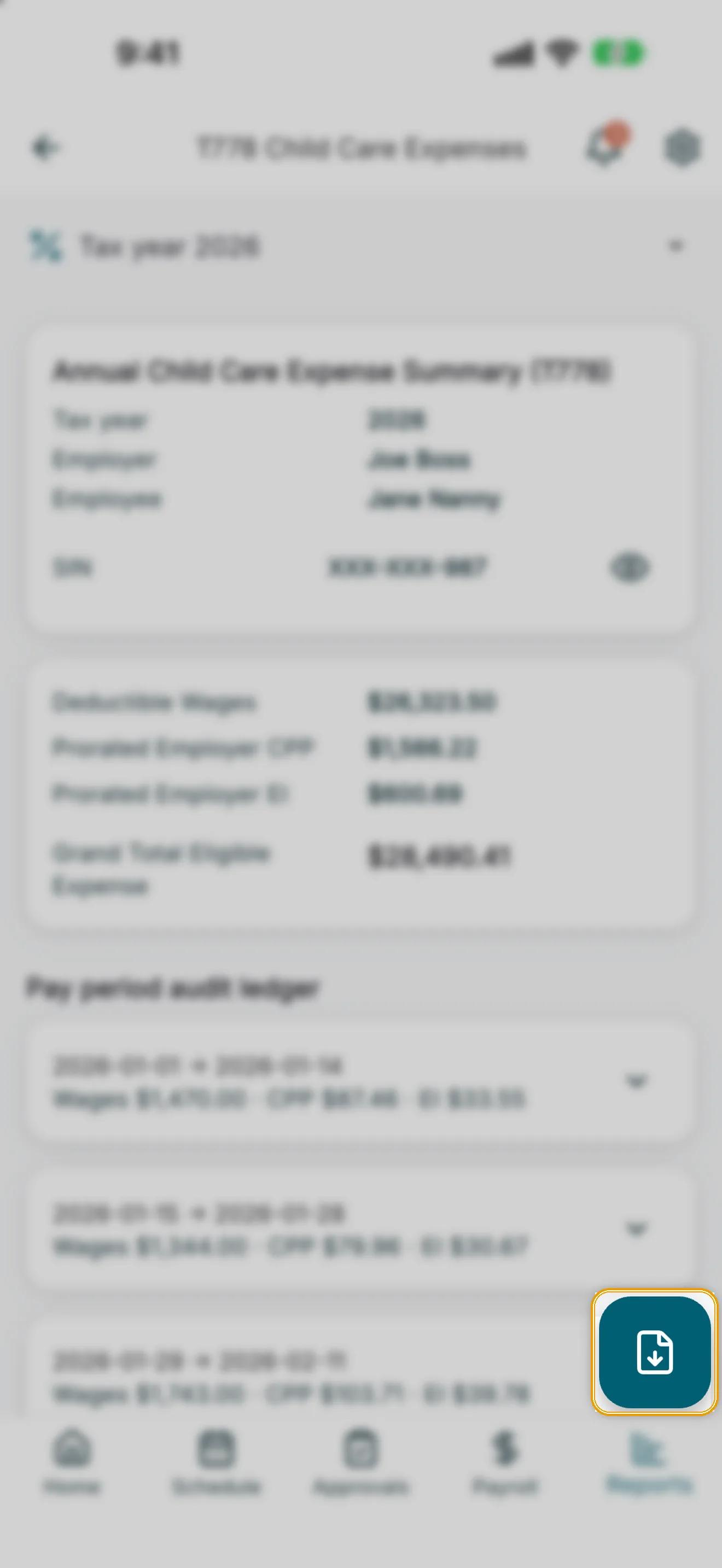
Tap the export button (bottom-right, download icon) to generate a PDF summary for the selected employee and tax year.